Reports give your clients a clear, branded summary of how their sites are protected – backups taken, storage used, and any issues – without giving them dashboard access.
Generate a report
- Open Reports from the sidebar.
- Click New report.
- Choose the sites to include and the period to cover.
- Generate it as a PDF to download or send.
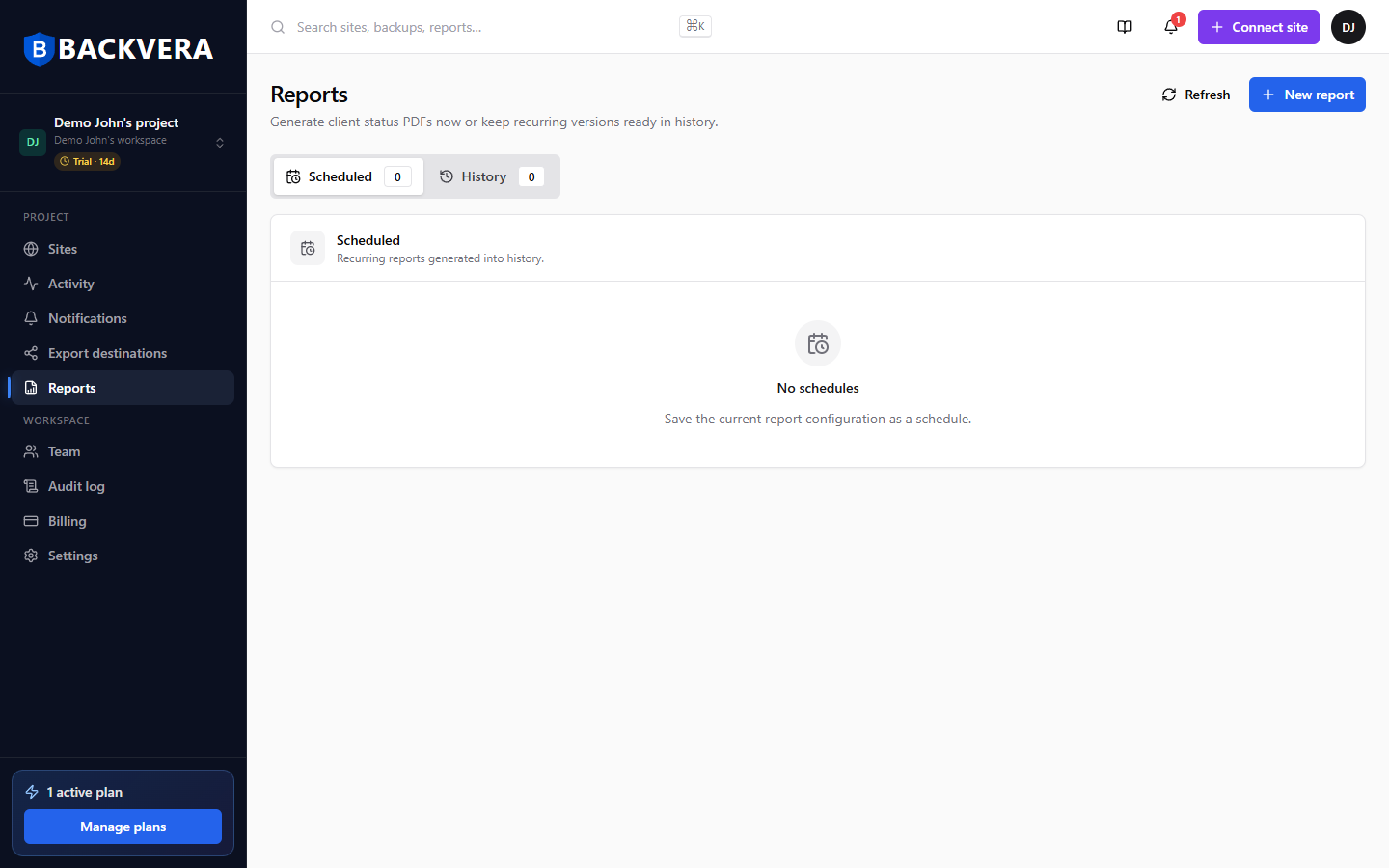
Schedule recurring reports
Set up a schedule so reports are generated and delivered automatically on a cadence you choose – weekly or monthly, for example – to the recipients you list. View run history and re-download past reports any time.
White-label your reports
Add your own logo and client-facing branding (configured per project) so reports look like they come from you, not Backvera.
Still need help? Email our team at [email protected].