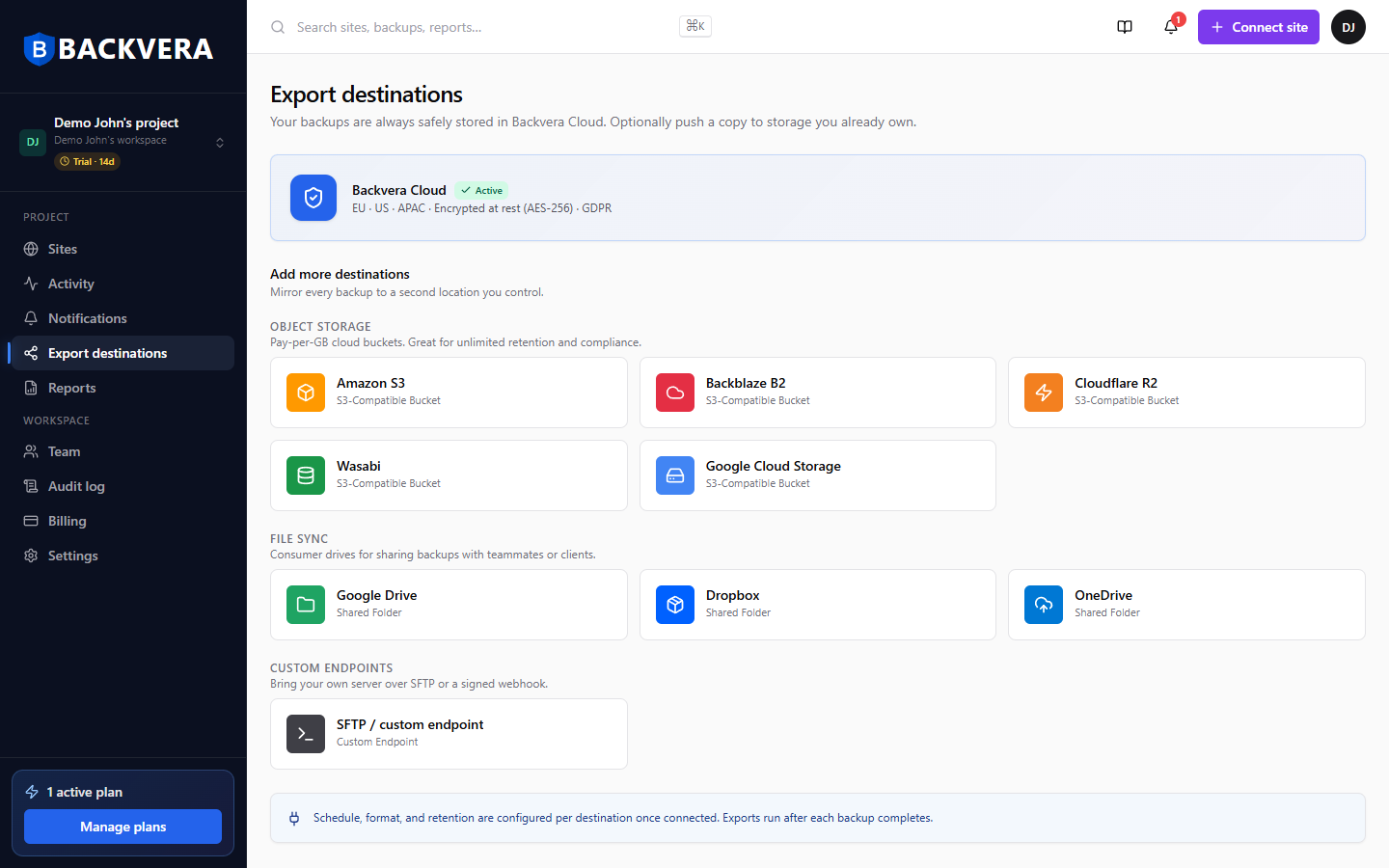
Your backups are always stored safely in Backvera Cloud. If you also want a copy in storage you control, connect an export destination and Backvera mirrors each backup there after it completes.
Supported destinations
- Object storage (pay-per-GB buckets): Amazon S3, Backblaze B2, Cloudflare R2, Wasabi, and Google Cloud Storage.
- File sync (shared drives): Google Drive, Dropbox, and OneDrive.
- Custom: your own server over SFTP, or a signed webhook.
Connect and use a destination
- Open Export destinations from the sidebar.
- Choose a provider and enter its details, or authorise it.
- Test the connection.
- Bind the destination to a site under the site’s Settings > External destination so its backups are mirrored.
Exports run after each backup completes; schedule, format, and retention are configured per destination once it is connected.
Costs and encryption. A destination is storage you already own, so any storage and transfer fees there are billed by that provider, not by Backvera. Backups travel to your destination over a secure, encrypted connection (the object-storage providers and SFTP all use encrypted transport), and the mirrored copy is then protected by your destination’s own encryption and access controls. Your primary copy always stays in Backvera Cloud.
Still need help? Email our team at [email protected].