Run both for a fortnight
Two managed backup services do not conflict. 14 days free, no card.
An alternative to BlogVault
BlogVault and Backvera both run off your server and include storage. Backvera starts at $15 a year per site, puts realtime backups on a $60 plan instead of $499, and can mirror every backup to your own S3 bucket.
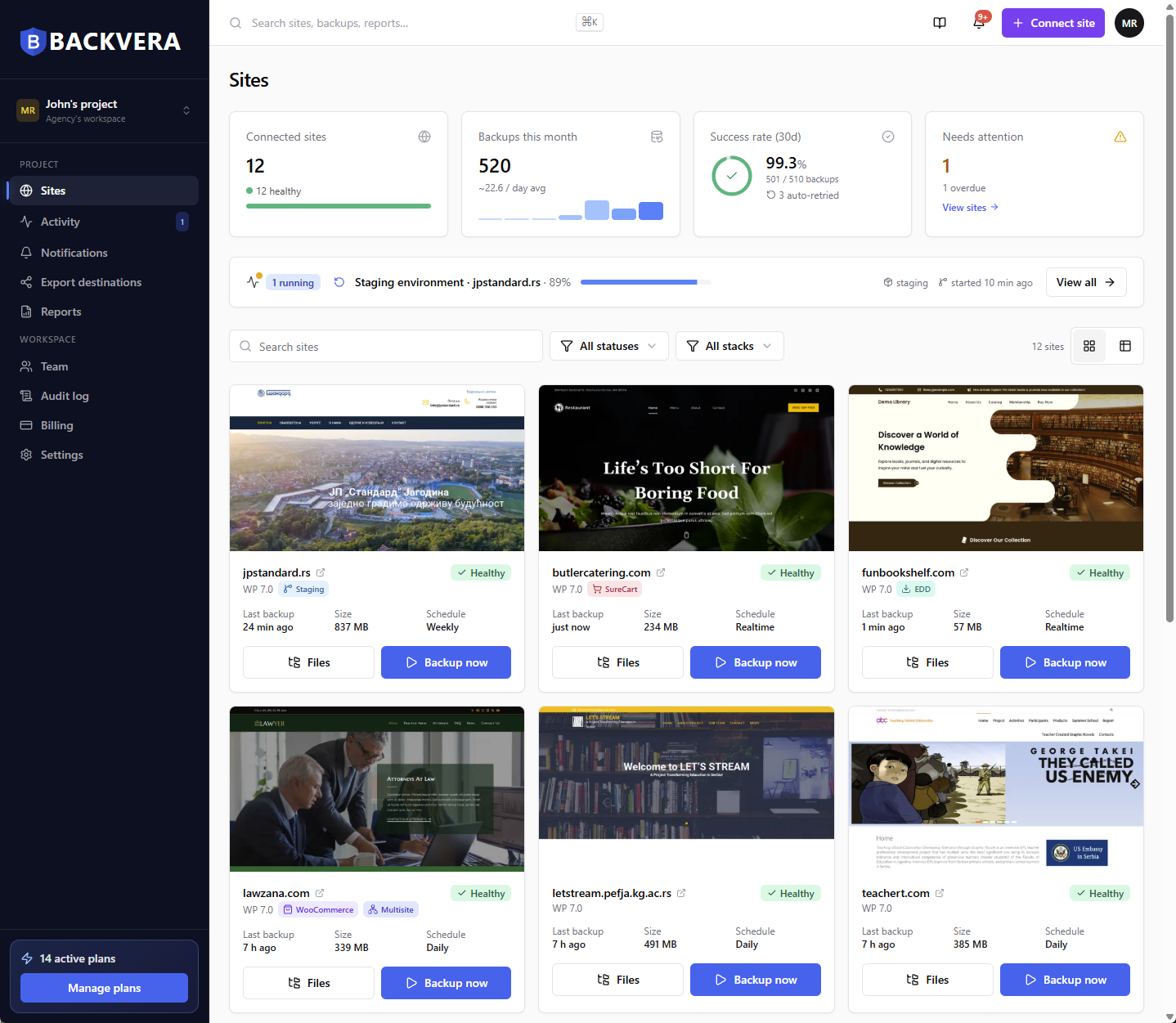
Only the rows where the two products differ. Everything else is covered further down.
| BlogVault | Backvera | |
|---|---|---|
| Entry price | $99 a year, 1 site. No free plan. | $15 a year per site. Free plan at $0 forever. |
| 90-day retention | $299 a year (Business) | $36 a year (Business) |
| Realtime backups | $499 a year, the WooCommerce plan only | $60 a year (Scale) |
| A copy in your own storage | Not offered. Dropbox export is a manual action per backup; Google Drive means downloading and uploading by hand. | Ten destinations on Business and Scale, mirrored automatically after each backup |
| Data residency | EU data centres | EU, US or Oceania, chosen at setup, on every plan |
| Restore granularity | Files, folders, plugins, themes and whole database tables | The same, plus a single row such as one order or one post |
| Staging on the entry plan | 1 day, and without Fast Staging | Not on Free or Starter. Included on Business, at $36 a year. |
| Recovering a site you cannot log into | Emergency Connector, on every plan | Yes. Restore over SFTP or FTP from the dashboard, with no WordPress login. |
| Free plan | None. A 7-day trial. | Free forever, plus a 14-day trial of any paid plan |
| Security scanning | Not in BlogVault. Sold separately as MalCare: weekly scans free, daily from $99 a year per site | Security plans from $25 a year per site, backups included |
BlogVault figures taken from blogvault.net pricing, feature and support pages, checked 12 August 2026, and MalCare figures from malcare.com, checked 22 October 2026. Prices change, so confirm on their site before you decide.
Architecturally, these are the same product. Both run the backup on the vendor’s infrastructure rather than inside your WordPress install, so neither consumes your host’s PHP workers or trips over its execution limits. Both do incremental. Both include storage. Both provision staging with push to live, a choice of PHP version and password protection on the copy. Both migrate between hosts and both handle multisite. Where a plugin comparison is about architecture, this one is about price, storage policy, and how much history you are buying.
The plans do not line up by name, so compare them by what they deliver.
| BlogVault | Backvera | |
|---|---|---|
| Daily backups with a month of history | $99 a year (Personal), 20 GB site size, 30-day retention. | $15 a year (Starter), 2 GB, 60-day retention. |
| Twice daily or better, 90 days of history | $299 a year (Business), every 12 hours, 50 GB. | $36 a year (Business), hourly, 10 GB. |
| Realtime with a year of history | $499 a year (WooCommerce plan), 100 GB. | $60 a year (Scale), 50 GB. |
| A free tier | None. | Free forever: weekly backups, 1 GB, 30-day retention, full restore and download. |
| Trial | 7 days, no card. | 14 days, no card, on any plan. |
| Five sites | $299 a year (Personal bundle), about $59.80 a site. | $75 a year on Starter, $180 on Business. |
BlogVault comes out ahead on one point here: the storage ceiling. BlogVault holds 20, 50 and 100 GB per site against our 2, 10 and 50.
Both include storage. Only one lets you also keep an automatic copy somewhere you control.
| BlogVault | Backvera | |
|---|---|---|
| Included storage | 20 GB (Personal), 50 GB (Business), 100 GB (WooCommerce plan), as a site size ceiling. | 1 GB Free, 2 GB Starter, 10 GB Business, 50 GB Scale. |
| Where it is held | Encrypted, across data centres in Europe, with copies on more than one cloud provider. | EU, US or Oceania, chosen at setup, on every plan including Free. |
| A copy in your own storage | Not supported. Their own support documentation says backups are not automatically synced to Dropbox, and that Google Drive means downloading the backup and uploading it yourself. | Amazon S3, Backblaze B2, Cloudflare R2, Wasabi, Google Cloud Storage, Google Drive, Dropbox, OneDrive, SFTP or a signed webhook, mirrored automatically after each backup, on Business and Scale. |
| If you decide to leave | Download a zip per backup, by hand. | Download a zip, or keep the mirror that is already in your own bucket. |
| Retention | 30 days (Personal), 90 (Business), 365 (WooCommerce plan). No documented setting to change it. | 30, 60, 90 or 365 days by plan, and you can set it lower per site under Settings and Schedule. |
This difference is hard to put a price on. With BlogVault your backups exist in one company’s storage, and getting them out is a manual download, one backup at a time. With Backvera on Business or Scale you connect your own S3 or Backblaze bucket once and every backup is mirrored there automatically. If you want to avoid vendor lock-in, keep a mirror in your own bucket.
Both run off your server, so this section is about what frequency costs.
| BlogVault | Backvera | |
|---|---|---|
| Where it executes | On BlogVault’s servers. | On Backvera’s servers. |
| Incremental | Yes, every plan. Changes tracked and backed up every 24 hours. | Yes, every plan including Free. |
| Entry-plan frequency | Every 24 hours, at $99 a year. | Weekly on Free, daily on Starter at $15 a year. |
| Best scheduled frequency | Hourly, customisable, on the $499 plan. | Hourly on Business, at $36 a year. |
| Realtime | The $499 WooCommerce plan only. Event-driven, polling at intervals they do not publish. | Scale, at $60 a year. A periodic baseline plus a stream of deltas, protected within minutes. |
| Manual backups | Rate limited: 3 a day on Personal, 10 on Business, 25 on the WooCommerce plan. | No cap |
Both stop at roughly the same place. They differ in three places, and BlogVault is ahead in two.
| BlogVault | Backvera | |
|---|---|---|
| Selective restore | Files, folders, specific plugins or themes, and whole database tables. | The same, plus a single row such as one order or one post. |
| Checking a backup before you trust it | Restore it onto their servers first and inspect it, then run the real restore. | Dry run previews exactly which files and tables a restore would touch, without writing anything. |
| Safety copy | Not documented for restores. | Optional safety backup of the live site before an in-place restore, and on by default when pushing staging to live. |
| Large-site speed | Differential restores copy only the changes. | Prepared on an off-host worker while the site keeps serving visitors. |
| Site completely down | Emergency Connector recovers a site you cannot log into, on every plan. | Restore is driven from the Backvera dashboard and can work over SSH/SFTP/FTP. |
| Plugin rollback | Roll back a single updated plugin without touching the rest. | Restore that plugin’s folder from a snapshot, or test the update on a stage first. |
Their test restore, which stands the backup up on their own infrastructure so you can look at it before committing, answers a better question than our dry run does: not what would change, but is this backup any good. We offer staging for that purpose.
Both provision it for you. The terms diverge sharply at the bottom of the range.
| BlogVault | Backvera | |
|---|---|---|
| On the entry plan | 1 day, and Fast Staging is not included at that tier. | Not included on Free or Starter. Business, at $36 a year, includes it. |
| How long a stage lives | 1 day (Personal). For Business their plan card says 30 days and their comparison table says 3 months. 6 months on the WooCommerce plan. | 7 days on Business, extendable once. 30 days on Scale, extendable without limit. |
| PHP version | Selectable. | 8.1, 8.2, 8.3 or 8.4, chosen at creation or switched on a running stage, which rebuilds it and keeps your files and database. |
| Push to live | Merge changes from staging to live, with a view of the differences. | Push to live, with a safety backup of the live site taken first by default. |
| Privacy | Password protected, search engines blocked, and outbound email blocked. | Password protected by default, with credentials you can rotate or replace. Default outbound email blocked. |
| Extras | SFTP credentials and phpMyAdmin on every stage. | A custom admin username and password if you want them. |
Of the products we compare, BlogVault has the most ecommerce engineering behind it.
| BlogVault | Backvera | |
|---|---|---|
| Realtime order capture | Yes, on the $499 WooCommerce plan. Every order captured as it is placed. | Yes, on the $60 Scale plan. WooCommerce, Easy Digital Downloads and SureCart recognised. |
| Rolling the site back without losing orders | Yes. Restore the site while retaining orders placed since the backup. | Restore a single row, or restore files and tables while leaving the order tables alone. |
| High-Performance Order Storage | Not documented anywhere on their site. | Captured, because every full backup includes the entire database. |
| Retention on the store plan | 365 days. | 365 days on Scale. |
| Price for realtime | $499 a year. | $60 a year. |
Their order-preserving rollback is the best feature in this comparison. If you need to undo yesterday’s redesign but keep every order taken since, it does that in one action, and ours takes more manual steps.
BlogVault does not scan for malware. The same company sells scanning as MalCare. MalCare and Backvera both scan on their own servers, so neither adds load to your site.
| BlogVault + MalCare | Backvera | |
|---|---|---|
| Free scanning | MalCare Free scans weekly. | None. Free and the backup-only plans have no scanning. |
| Daily backups and daily scans | $198 a year per site: BlogVault Personal at $99 plus MalCare Protect at $99. | $25 a year per site on Security Starter. |
| Hourly scans | MalCare Fortify, $499 a year per site. | Security Business, $59 a year per site, with hourly backups included. |
| Malware removal | Automated cleanup on MalCare Repair, $299 a year per site. | Not offered. You restore the file, or the whole site, from a backup taken before the threat appeared. |
| Firewall and login protection | Included, from MalCare Free. | Not offered. |
MalCare does more here: it removes malware and it has a firewall, and we do neither. If you want malware cleaned up for you, MalCare is the better choice. A Backvera security analyst confirms each threat before it appears on your dashboard. How Backvera scans your site
Plan names are not the useful comparison. This is the yearly total for the same backups.
| Sites | BlogVault | Backvera |
|---|---|---|
| 1 site, daily backups | $99 a year | $15 a year (Starter) |
| 1 site, 90 days of history | $299 a year | $36 a year (Business) |
| 1 site, realtime | $499 a year | $60 a year (Scale) |
| 5 sites, a month of history | $299 a year, about $59.80 each | $75 a year on Starter |
| 5 sites, realtime | $1,499 a year, about $299.80 each | $300 a year on Scale |
| More than 10 sites | Sales-gated agency pricing, not published | $36 or $60 a year each, published |
One more thing you should know before using these numbers. BlogVault’s parent company also sells WP Remote, which bundles backups, staging, malware scanning, uptime monitoring, white label and client reports at $49.99 per site a year with 90-day retention. If you were about to pay $299 for BlogVault Business, WP Remote is the comparison you should be running, and on feature breadth at that price we do not beat it. It does not include realtime store capture or an automatic mirror into storage you own.
One thing worth doing differently here from the other comparisons: connect an export destination on day one, so you never end up again in a position where your only copies live with a single vendor.
Two managed backup services do not conflict. 14 days free, no card.
Download the zips you want to keep from their dashboard before you cancel. Backvera cannot read them, so keep them as an archive.
On Business or Scale, connect Amazon S3, Backblaze B2 or your own SFTP as an export destination. From then on every backup exists in two places, one of which is yours.
One full backup, then incrementals. Once you have a restore point you trust, cancel the BlogVault subscription.
Two of them we would want to know about if we were the buyer.
You want a vendor that has been doing this since 2010.
BlogVault reports 400,000 sites, more than two million backed up across fifteen years, and over 100,000 restores performed. If you want the long-established vendor for your backups, that is a sound reason to pay several times more.
You need to roll a store back without losing the orders.
Their WooCommerce plan restores the site while retaining orders placed since the backup, in one action. That is a hard thing to build and an obviously useful one. We can restore a single row, or restore around the order tables, but not in one step.
You want to validate a backup before you trust it.
Their test restore stands the backup up on their own servers so you can inspect it. Our dry run tells you which files and tables would be touched, which answers a different question. Theirs is the better tool for auditing a backup.
No. Download any BlogVault archives you want to keep before cancelling. Backvera restores from its own snapshots.
Yes, on Business and Scale. Connect Amazon S3, Backblaze B2, Cloudflare R2, Wasabi, Google Cloud Storage, Google Drive, Dropbox, OneDrive, SFTP or a signed webhook, and every backup is mirrored there after it completes. BlogVault does not offer this. Their Dropbox export is a manual action per backup and Google Drive means downloading and uploading by hand.
Yes. Weekly backups, 1 GB, 30-day retention, full restore and download, at $0 forever. BlogVault has no free plan, only a 7-day trial.
Realtime is on Backvera Scale at $60 a year per site. On BlogVault it is the WooCommerce plan at $499 a year. Both capture store changes as they happen.
EU, US or Oceania, chosen at setup, on every plan including Free. BlogVault stores in EU data centres.
Yes. If you cannot reach your site, our dashboard can offer SSH/SFTP/FTP restores.
At $49.99 per site a year it bundles backups, staging, malware scanning, uptime monitoring and client reports, and on feature breadth at that price we do not beat it. It does not include realtime store capture or mirroring into storage you own.
One. Their 5-site bundle works out at about $59.80 a site on the entry tier, which is cheaper per site than our Business plan and dearer than our Starter.
14 days free, no card. Keep BlogVault running while you compare.
Start your 14-day trialComparison figures are taken from each product’s own published pricing, feature and documentation pages and were checked on 12 August 2026, and the security figures on 22 October 2026. They change, so confirm before you buy, and tell us at [email protected] if you find something out of date here. BlogVault, MalCare and WP Remote are the trademarks of their respective owners and are used here only to identify those products. Backvera is not affiliated with, endorsed by or sponsored by any of them. WordPress is a trademark of the WordPress Foundation. WooCommerce and its associated designs are trademarks of Automattic Inc.