Manage your personal account from Settings – your profile, how you sign in, and your security options.
Profile
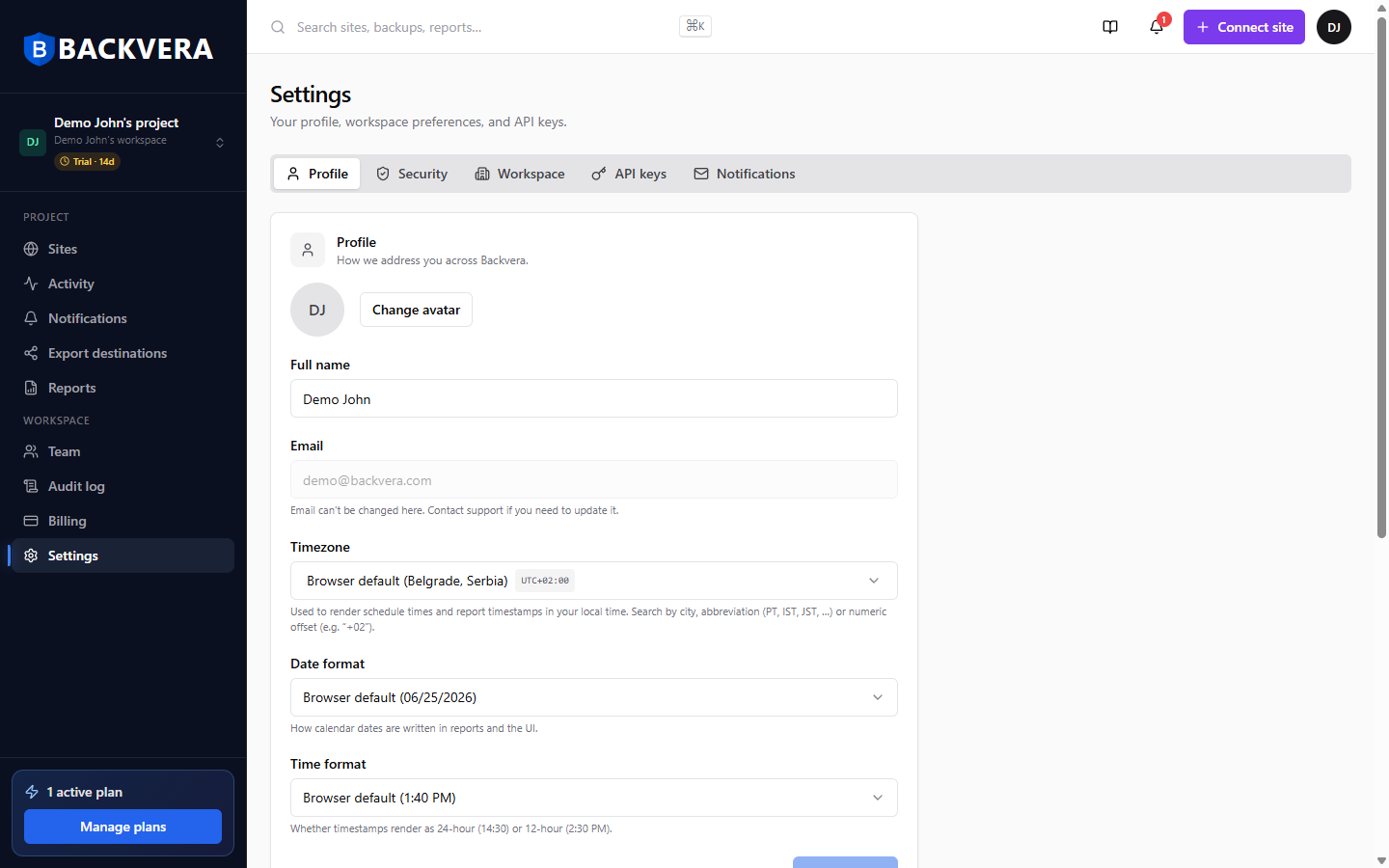
On the Profile tab set your name, timezone, and date/time formats, which control how times appear across the dashboard and reports. Your email is shown here; contact support if you need to change it. See Update your profile and account details.
Signing in
- Sign in with email and password, or with Google, GitHub, or Microsoft.
- Reset a forgotten password, or change it under Security – see Reset or change your password.
- Sign in with a provider that uses your account email and we email you a link to connect it.
Security tab
The Security tab is where you change your password, set up two-factor authentication, and review your recent login history. See Set up two-factor authentication.
Still need help? Email our team at [email protected].