Two-factor authentication (2FA) adds a second step at login, so a password alone is not enough to access your account.
Options
- Authenticator app (TOTP) – scan a QR code with an app like Google Authenticator or 1Password.
- Security keys / passkeys – register a hardware key or a device passkey.
- Backup codes – one-time codes to use if you lose your other methods.
Turn it on
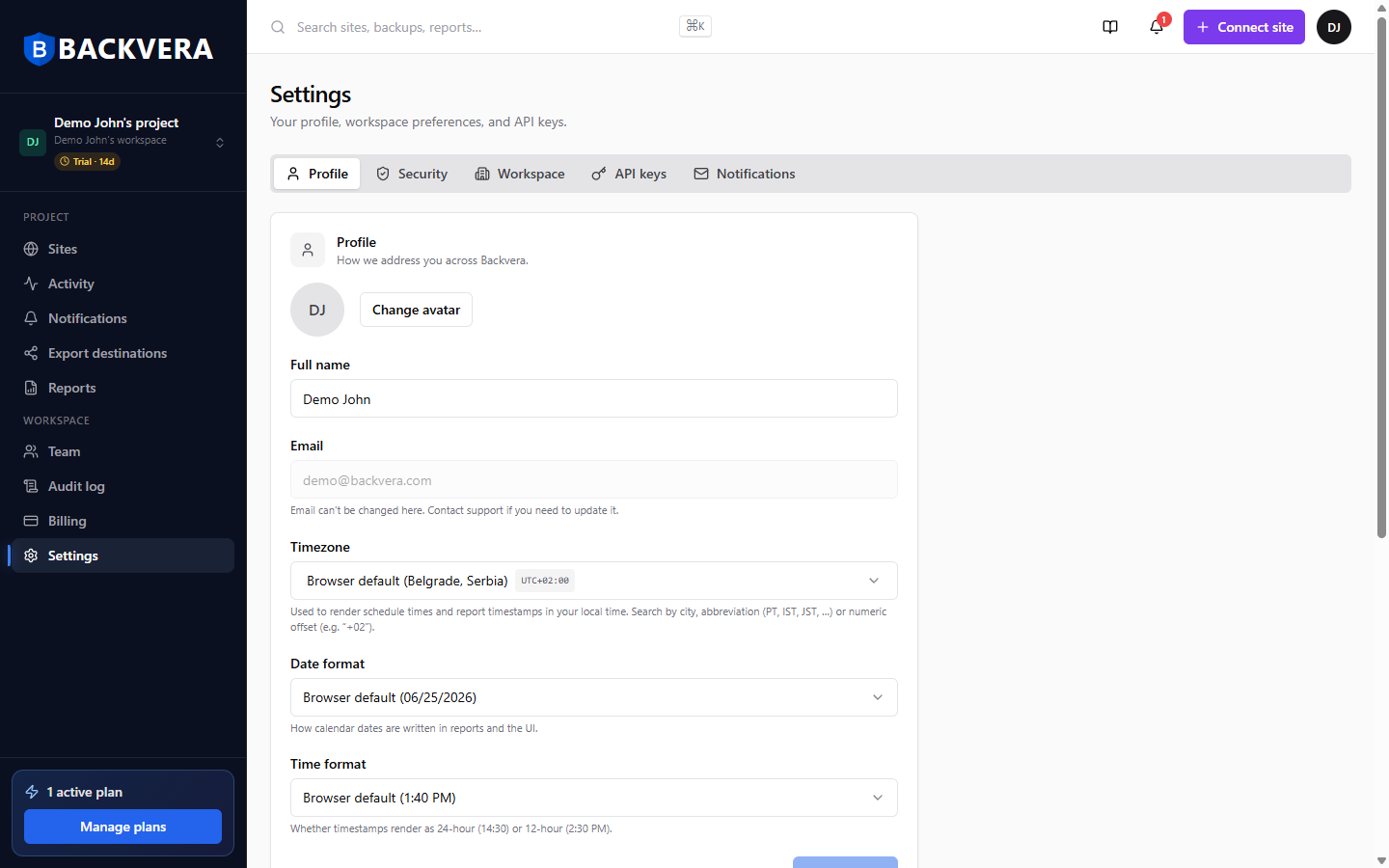
- Go to Settings > Security.
- Choose a method and follow the setup steps.
- Save your backup codes somewhere safe.
Keep your backup codes somewhere secure. If you lose access to your authenticator and your codes, you may be locked out and need to contact support.
Still need help? Email our team at [email protected].