Backvera is a backup and restore service for WordPress. It keeps complete, automatic copies of your site – both files and database – safely off-site in Backvera Cloud, so you can roll back a bad change, recover from a problem, or move your site whenever you need to. Backups and restores you can trust.
The two pieces
Backvera has two parts that work together:
- The Backvera plugin – a lightweight agent you install on your WordPress site. It is what Backvera talks to when it backs up or restores.
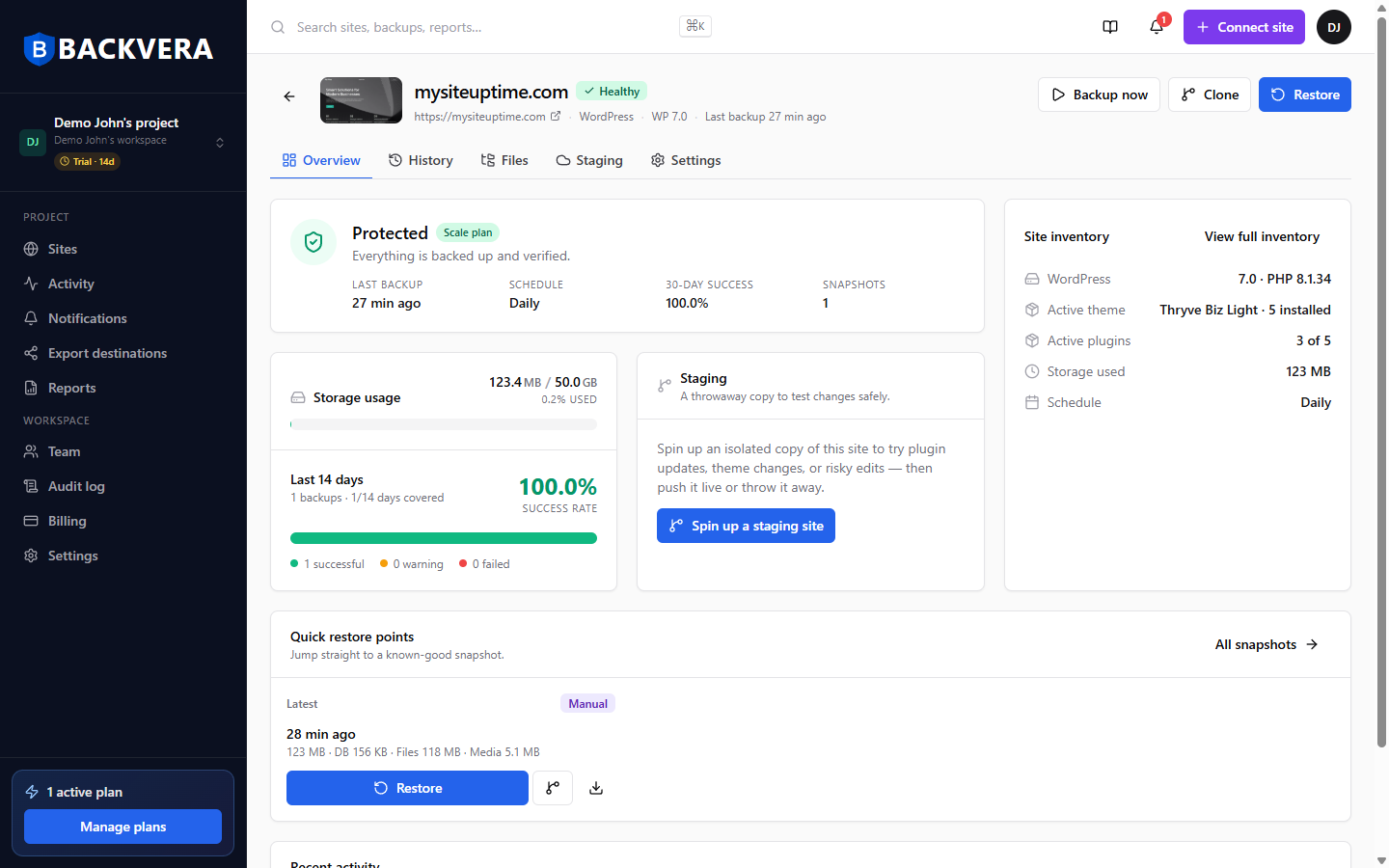
- The Backvera dashboard at app.backvera.com – where you connect sites, run and schedule backups, restore, and manage your account.
How a backup works
- You connect your site once by installing the plugin.
- Backvera captures a first full backup, then afterwards only the changes (an incremental backup), so day-to-day backups stay small and fast.
- Every backup is stored off-site in Backvera Cloud, encrypted and independent of your web host.
- You can restore any backup to the same site, or clone it to a new one, in a few clicks.
On the Security plans, Backvera also checks each new backup for malware and for signs of an attack. See Security scanning: how Backvera checks your backups.
Why off-site matters
Because your backups live in Backvera Cloud rather than on your web host, they are still there if your host has an outage, your site is compromised, or an update goes wrong. Restores are prepared on an off-host worker, so your live site keeps serving visitors while Backvera does the heavy lifting.
What to read next
Ready to protect your first site? Follow the Quickstart. Want to get your bearings first? Take a tour of your dashboard.
Still need help? Email our team at [email protected].