Retention controls how long Backvera keeps each snapshot before it is automatically pruned. Snapshots older than your retention window are removed to free up storage.
Change retention
- Open the site and go to Settings > Schedule.
- Under Retention, set Keep for and choose a Unit (for example, Days).
- Click Save changes.
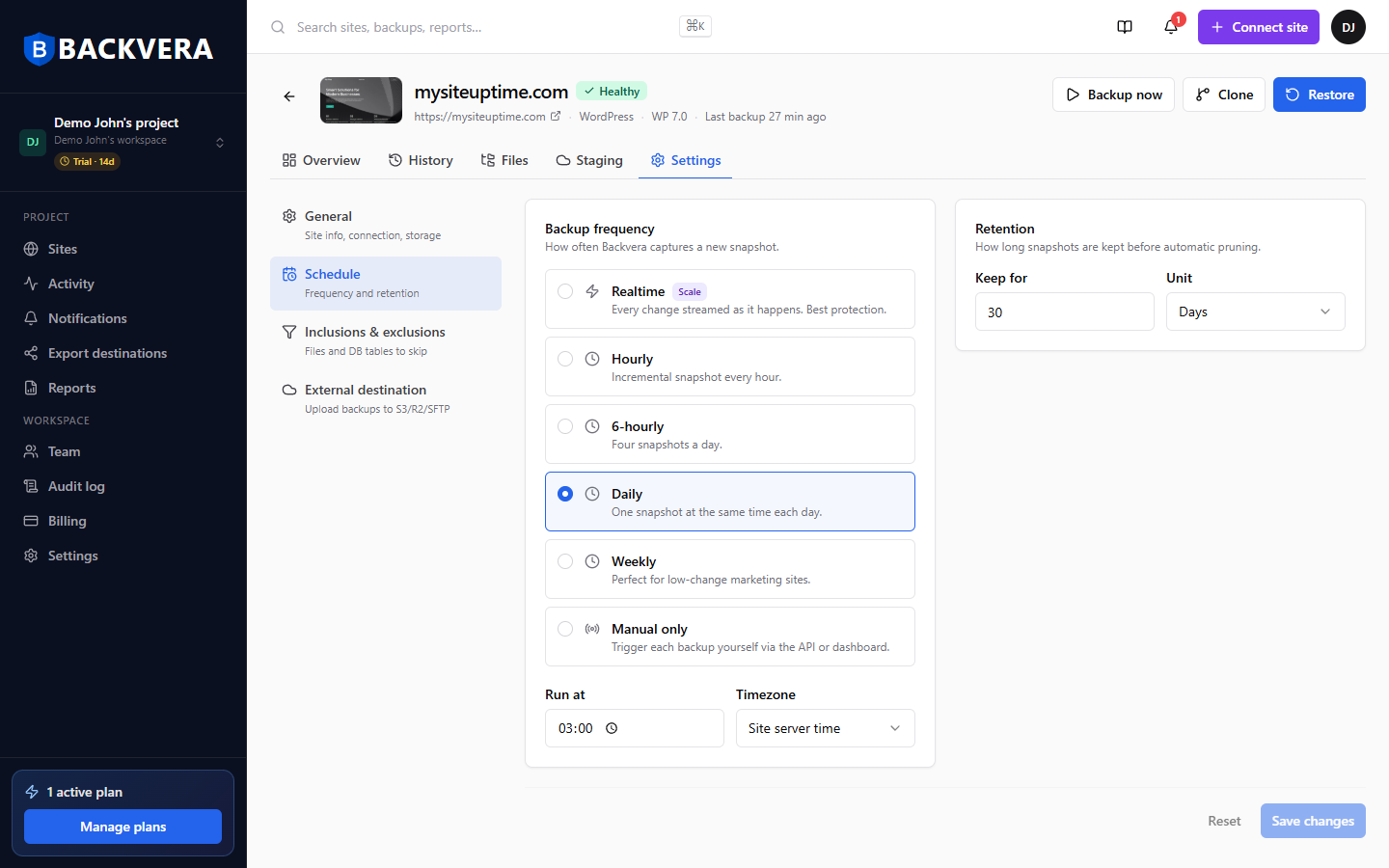
Longer retention means more restore points but uses more storage. Your plan sets the maximum retention available – see Backvera plans at a glance.
Still need help? Email our team at [email protected].