Each site has its own backup storage allowance, set by its plan. Backvera shows how much you are using so there are no surprises.
Where to see usage
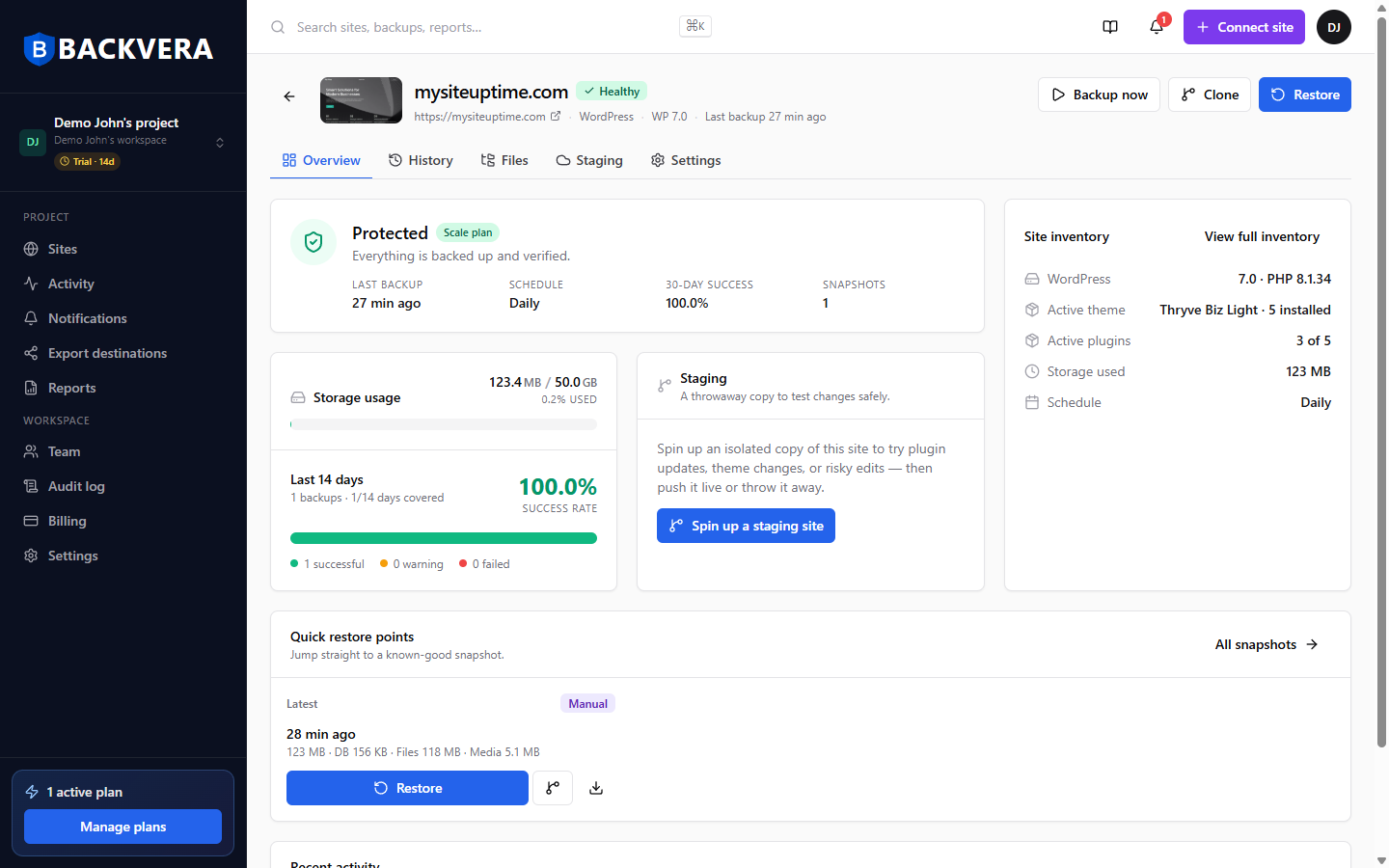
The site Overview tab and Settings show a Storage usage bar – how much of the site’s allowance its backups currently use.
As you approach the limit
- The bar changes colour as usage climbs – comfortable, then warning, then critical.
- Near or over the limit, the workspace owner sees an upgrade prompt.
- Reducing retention, or excluding large unnecessary folders, lowers usage.
Storage is per site, not a shared workspace pool – each site’s allowance is its own. See plans and retention.
Still need help? Email our team at [email protected].