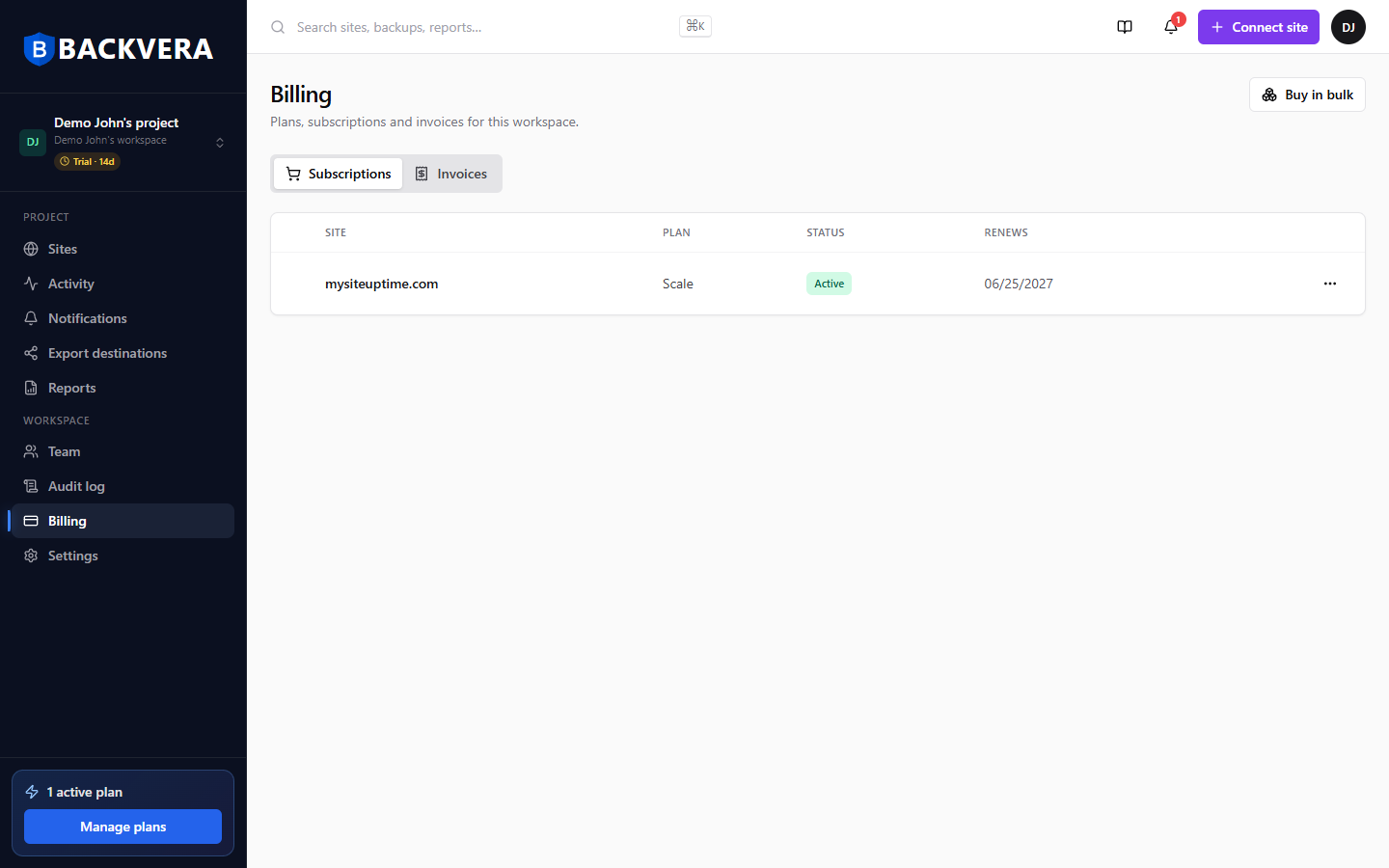
If you manage many sites, you can buy plans in bulk and assign them to sites as you go. This article also covers trials and invoices.
Buy in bulk and assign
- On Billing, choose Buy in bulk and purchase the plans you need.
- Assign a licence to a site from the licence’s actions.
- Reassign or unassign licences as your sites change.
Trials
New accounts start on a trial so you can evaluate Backvera. Backvera emails you before a trial ends. When a trial ends, any site without an assigned plan drops to the Free plan.
Invoices
Open the Invoices tab on Billing to view and download your past invoices.
Still need help? Email our team at [email protected].