Keep WPvivid installed
No conflict. Run both through the 14-day trial, no card required.
An alternative to WPvivid
WPvivid includes no storage of its own, so backups go to a Google Drive, Dropbox or S3 account you set up. Backvera includes the storage, runs the backup off your server, and starts at $15 a year per site.
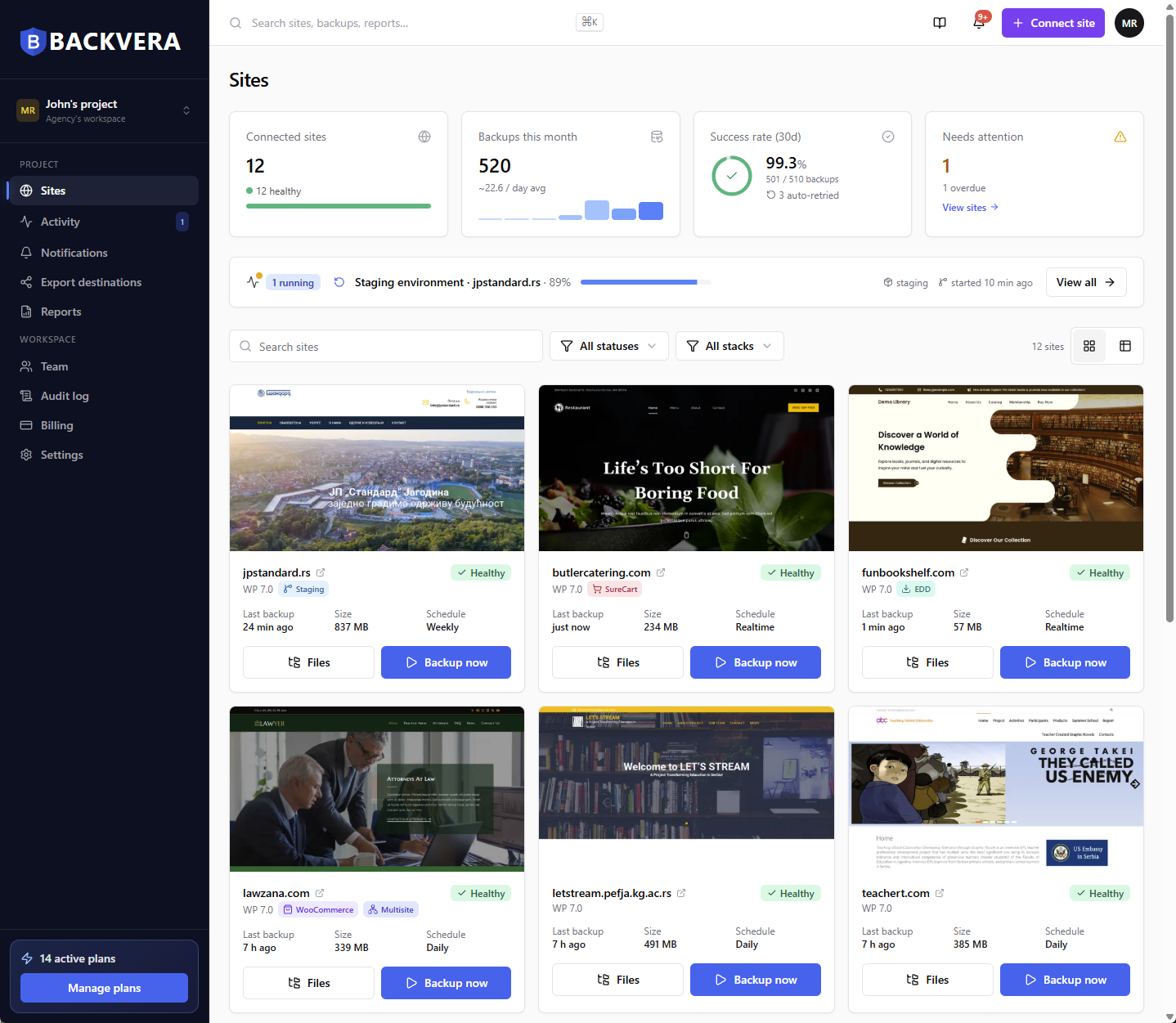
Only the rows where the two products differ. Everything else is covered further down.
| WPvivid | Backvera | |
|---|---|---|
| Entry price | $49 a year for 2 domains, or $99 once, for life | $15 a year per site, or $0 forever on Free |
| Unlimited domains | $149 a year, or $299 once, for life | Not offered. Backvera is priced per site. |
| Storage included | None, on any plan. Connect your own. | 1 GB Free, 2 GB Starter, 10 GB Business, 50 GB Scale |
| Where the work runs | In your WordPress install, on your host’s PHP | On Backvera’s servers, off your host |
| Incremental backups | Pro only | Every plan, including Free |
| Fastest schedule | Hourly, on Pro | Hourly on Business, realtime on Scale |
| Realtime | Not offered at any tier | Scale plan |
| Store awareness | None documented | WooCommerce, Easy Digital Downloads and SureCart on Scale |
| Security scanning | Not offered | Security plans from $25 a year per site, backups included |
WPvivid figures taken from wpvivid.com pricing, free-versus-Pro and documentation pages, checked 12 August 2026, and security features on 22 October 2026. Prices change, so confirm on their site before you decide.
Both do incremental. Both do staging with push to live. Both migrate between hosts and both do selective restore. Three things separate the products: where the work happens, realtime, and security scanning.
WPvivid includes no storage on any tier, including the $299 lifetime licence.
| WPvivid | Backvera | |
|---|---|---|
| Included storage | None, on any plan. | 1 GB Free, 2 GB Starter, 10 GB Business, 50 GB Scale, per site. |
| Free destinations | Dropbox, Google Drive, Amazon S3, OneDrive, DigitalOcean Spaces, FTP, SFTP and WebDAV. The most generous free set in this category. | Not applicable. Storage is included. |
| Pro destinations | S3-compatible storage, Wasabi, pCloud, Backblaze, OneDrive shared drives. | Ten export destinations on Business and Scale. |
| A second copy | Whatever you configure. All of it is your storage. | The primary copy stays in Backvera Cloud and your own bucket receives a mirror after each backup. |
| Retention | Count-based with no technical limit. Their documentation says you can store as many as your hardware or cloud storage allows, with separate counts per backup type. | Time-based: 30 days Free, 60 Starter, 90 Business, 365 on Scale, configurable per site up to your plan’s cap. |
| Data residency | Wherever your own account lives. | EU, US or Oceania, chosen at setup, on every plan. |
On WPvivid you are limited by your own disk, so a large bucket means years of history and independent counts per backup type. On Backvera you get a day cap that rises with the plan. Ours is simpler and needs no capacity planning. Theirs is more flexible if you already own the space.
WPvivid publishes the exact numbers you need to tune.
| WPvivid | Backvera | |
|---|---|---|
| Where it executes | In your WordPress install. | On Backvera’s servers. |
| Recommended settings | Their documentation recommends 300 seconds maximum PHP execution time, 512 MB memory, 2048 KB chunks, splitting backups every 100 MB and compressing 300 files at a time. | Nothing to configure. None of this happens on your host. |
| What causes failures | Their documentation states that backup timeouts and unresponsive tasks are usually a result of insufficient server resources. | Your server’s resources are not part of the backup path. |
| Incremental | Pro only, with its own separate schedule type. | Every plan, including Free. |
| Fastest schedule | Hourly, on Pro. Every 12 hours on free. | Hourly on Business. |
| Realtime | Not offered. | Scale. A periodic baseline plus a stream of deltas, so recent work is protected within minutes. |
Publishing recommended chunk sizes and execution limits counts in their favour, not against them. It is also a precise description of what you are taking on. If your host caps execution time and you cannot change it, no amount of configuration fixes that.
Closer than the other three comparisons, with one difference that matters and one where WPvivid is ahead.
| WPvivid | Backvera | |
|---|---|---|
| Whole site | Yes, on free, with no limits. | Yes, on every plan including Free. |
| Selective restore | Selective content restore is a Pro feature, alongside restoring from localhost, from cloud storage, non-WordPress files and additional databases. | Files and folders, individual database tables, or a single row such as one order or one post. |
| Preview before anything is written | Not offered. | Dry run shows exactly which files and tables would be touched, and writes nothing. |
| Safety copy first | Rollback takes an automatic backup before core, plugin and theme updates. That protects against updates, not against a bad restore. | Optional safety backup of the live site immediately before an in-place restore. |
| While the restore runs | Through your own site. | Prepared on an off-host worker, so the site keeps serving visitors while it is prepared. |
WPvivid automatically backs up before you update WordPress core, plugins or themes, with its own versioning and retention rules. Our answer is different in kind: test the update on a staging environment first, then push. More deliberate, and also more steps.
WPvivid’s staging is strong. The difference is whose server it runs on.
| WPvivid | Backvera | |
|---|---|---|
| Where the stage lives | On your own host, in a subdirectory or subdomain. | On Backvera infrastructure, at its own address. |
| Cost | Included in the same Pro licence as backup, from $49 a year or $99 once. | Included on Business and Scale. |
| How many at a time | As many as you want per live site. | One live stage per site. |
| PHP version | Whatever your host runs, because the stage runs on your host. | 8.1, 8.2, 8.3 or 8.4, chosen at creation or switched on a running stage, which rebuilds it and keeps your files and database. |
| Push to live | Yes. | Yes, with a safety backup of the live site taken first by default. |
| Server load | The staging site uses the same hosting as your live site. | None. The stage does not run on your server. |
WPvivid lets you run unlimited staging sites and we allow one live stage per site, which is a real limit. But a WPvivid stage runs on the hosting you already pay for, and testing a PHP 8.4 upgrade there is not possible if your host has not enabled 8.4. That is the case ours is built for.
Same as everywhere else in the plugin category: nothing.
| WPvivid | Backvera | |
|---|---|---|
| Store-specific handling | None on the features page, the free-versus-Pro page, the pricing page or the documentation. | WooCommerce, Easy Digital Downloads and SureCart recognised on Scale. |
| Orders placed between backups | Lost. Up to an hour on the tightest Pro schedule, up to 12 hours on free. | Realtime on Scale captures store changes as they happen, within minutes. |
| High-Performance Order Storage | Not mentioned. | Captured, because every full backup includes the entire database. |
| Getting one order back | Restore the database, and everything else rolls back with it. | Restore the single row. |
WPvivid does not scan for malware. To scan a WPvivid site, you add a security plugin, which runs inside WordPress on your host.
| WPvivid | Backvera | |
|---|---|---|
| Malware scanning | Not offered. | Every backup on Security plans: daily on Security Starter, hourly on Security Business. |
| Files compared with official releases | Not offered. | WordPress core and every plugin and theme from WordPress.org, file by file. |
| Database checks | Not offered. | New administrator accounts, roles given takeover rights, and scripts hidden in posts or settings. |
| Malware removal | Not offered. | Not offered. You restore the file, or the whole site, from a backup taken before the threat appeared. |
Security plans cost $25, $59 or $89 a year per site, and each includes the matching backup plan in full. The scans run on Backvera’s servers against your backups, so your site does no extra work, and a security analyst confirms each threat before it appears on your dashboard. How Backvera scans your site
Plan names are not the useful comparison. This is the yearly total for the same backups.
| Sites | WPvivid | Backvera |
|---|---|---|
| 1 site | $49 a year, or $99 once (Blogger, covers 2), plus your own storage | $36 a year (Business), storage included |
| 10 sites | $69 a year, or $139 once (Freelancer) | $150 – $360 a year |
| 50 sites | $99 a year, or $199 once (Small Business) | $750 – $1,800 a year |
| Unlimited sites | $149 a year, or $299 once (Ultimate) | Not offered |
| Storage for a 10 GB site | Your Dropbox, Drive or S3 bill | Included in Business at $36 a year |
Above about three sites, Backvera does not win on price. A $299 lifetime licence for unlimited domains is structurally cheaper than any per-site annual fee. The licence does not buy the storage, the infrastructure the backup runs on, or realtime. You would be paying us for those, and if you do not need them, WPvivid is the better purchase.
Nothing needs converting and nothing gets deleted. Use the trial to find out whether moving the work off your server makes a difference on your site.
No conflict. Run both through the 14-day trial, no card required.
Your Dropbox, Drive or S3 backups belong to you and WPvivid can still restore them. Backvera cannot read a WPvivid archive, so keep the old ones where they are.
Incremental on every plan including Free, so only the first backup is the long one.
On Business or Scale, create a staging environment immediately and put a plugin update through it. It is the fastest way to see whether off-host is worth anything to you.
The closest comparison of the four, and the price argument goes against us decisively.
You would rather pay once.
$99 for two domains, $139 for ten, $299 for unlimited, for life. Backvera is a yearly per-site fee with no lifetime option.
You already own plenty of cloud storage.
If you have S3 or Drive space you are happy managing, the storage we include is worth nothing to you, and it is a large part of what you would be paying for.
You want several staging sites at once, on your own hosting.
WPvivid lets you create as many staging sites as you like per live site, in a subdirectory or a subdomain. We allow one live stage per site. If your workflow runs parallel copies, theirs fits it and ours does not.
You want an automatic backup before every plugin update.
Their rollback feature does exactly that, with its own versioning and retention rules. We have no equivalent.
Per-site annual pricing is a poor fit for a portfolio, where a $299 lifetime licence for unlimited domains costs far less. We think the off-host architecture and realtime store capture are worth paying for on a site that takes real money. On a set of brochure sites we would struggle to make the case.
No. Backvera restores from its own snapshots. Your WPvivid archives stay in your own storage and WPvivid can still restore them.
No. Backvera is billed yearly, per site. WPvivid’s lifetime licences have no equivalent here.
No. It is included on every plan. On Business and Scale you can additionally mirror each backup to Amazon S3, Backblaze B2, Cloudflare R2, Wasabi, Google Cloud Storage, Google Drive, Dropbox, OneDrive, SFTP or a signed webhook.
On the Scale plan Backvera captures changes as they happen, as a periodic baseline plus a stream of small deltas, so recent work is protected within minutes rather than waiting for the next scheduled run. WPvivid’s tightest schedule is hourly, on Pro.
No. Backvera provisions the environment itself, so you can run a stage on PHP 8.4 even if your host is still on 8.1. A WPvivid stage runs on your own hosting, on your host’s PHP.
Yes, on every plan including Free. On WPvivid incremental is a Pro feature.
30 days on Free, 60 on Starter, 90 on Business and a year on Scale, configurable per site up to your plan’s cap. WPvivid keeps as many as your own storage holds, which is more flexible if you have the space.
No. Backvera runs one live stage per site. WPvivid allows as many as you like, which is a real advantage of theirs.
14 days free, no card. Keep WPvivid running and compare.
Start your 14-day trialComparison figures are taken from each product’s own published pricing, feature and documentation pages and were checked on 12 August 2026, and the security figures on 22 October 2026. They change, so confirm before you buy, and tell us at [email protected] if you find something out of date here. WPvivid is a trademark of its owner and is used here only to identify that product. Backvera is not affiliated with, endorsed by or sponsored by any of them. WordPress is a trademark of the WordPress Foundation. WooCommerce and its associated designs are trademarks of Automattic Inc.