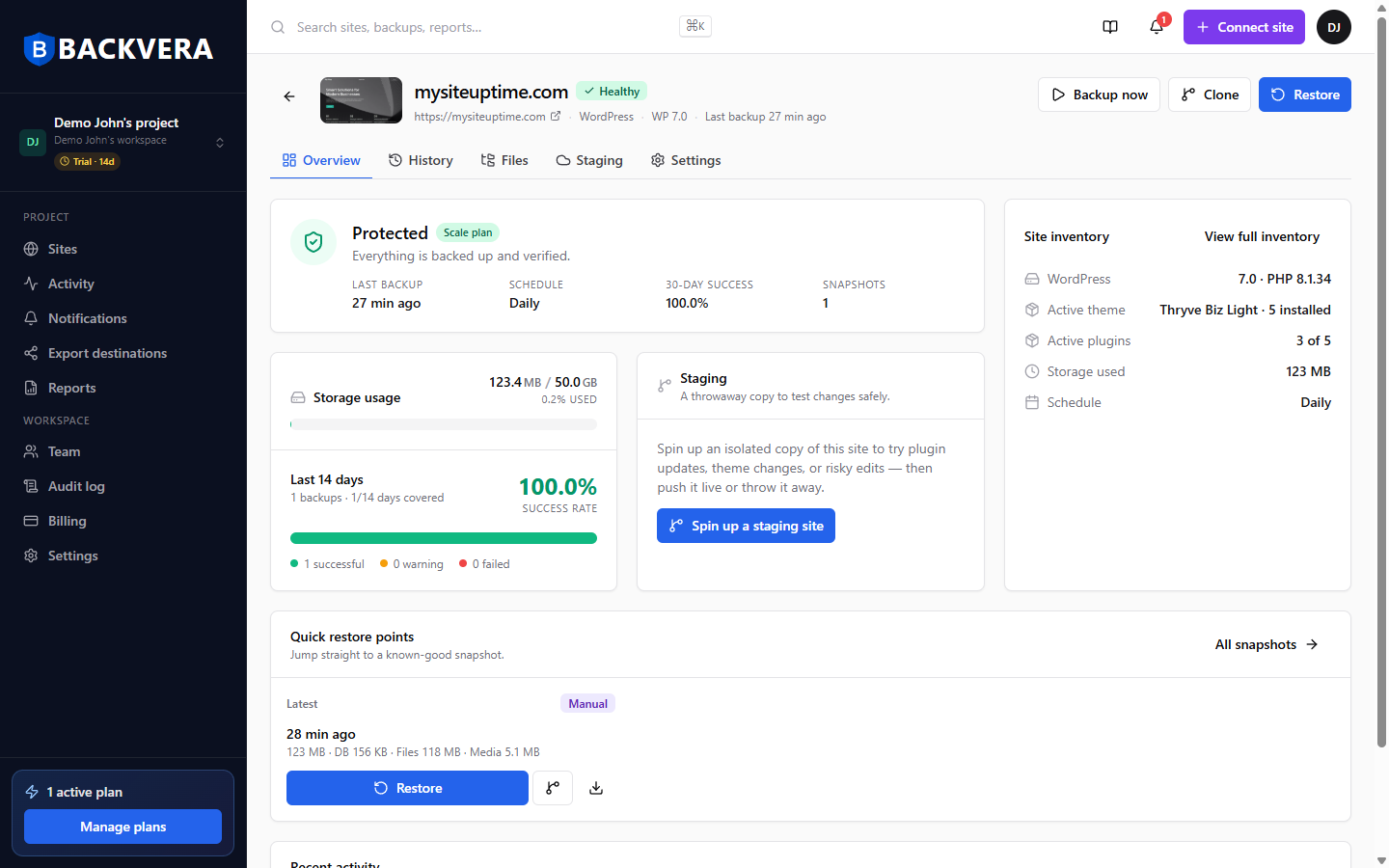
Every site shows a status badge so you can see its health at a glance, both on the dashboard and at the top of the site page.
The statuses
- Healthy – connected and backing up normally.
- Warning – the last backup completed, but something needs a look.
- Restoring – a restore is in progress.
- Failed – the last backup did not complete.
- Disconnected – the plugin can no longer reach Backvera; backups are paused until you reconnect.
- Paused – you have paused backups for this site.
On the Security plans, a red badge such as 2 threats means Backvera has confirmed threats in the backups of the site. It takes the place of Healthy, because a site that holds malware is not healthy. Other statuses, such as Paused or Disconnected, stay next to it. Click the badge to open the Security tab of the site, and see A threat was found on my site: what to do next.
Needs attention
The dashboard’s Needs attention card counts sites worth a look. Common reasons:
- Security threats – Backvera confirmed a threat in the backups of the site. These sites come first.
- Never backed up – connected, but no backup has run yet.
- Overdue – no successful backup for more than twice the expected interval.
- Disconnected or Paused – as above.
If a site is Disconnected, see My site shows Disconnected – how to reconnect.
Still need help? Email our team at [email protected].