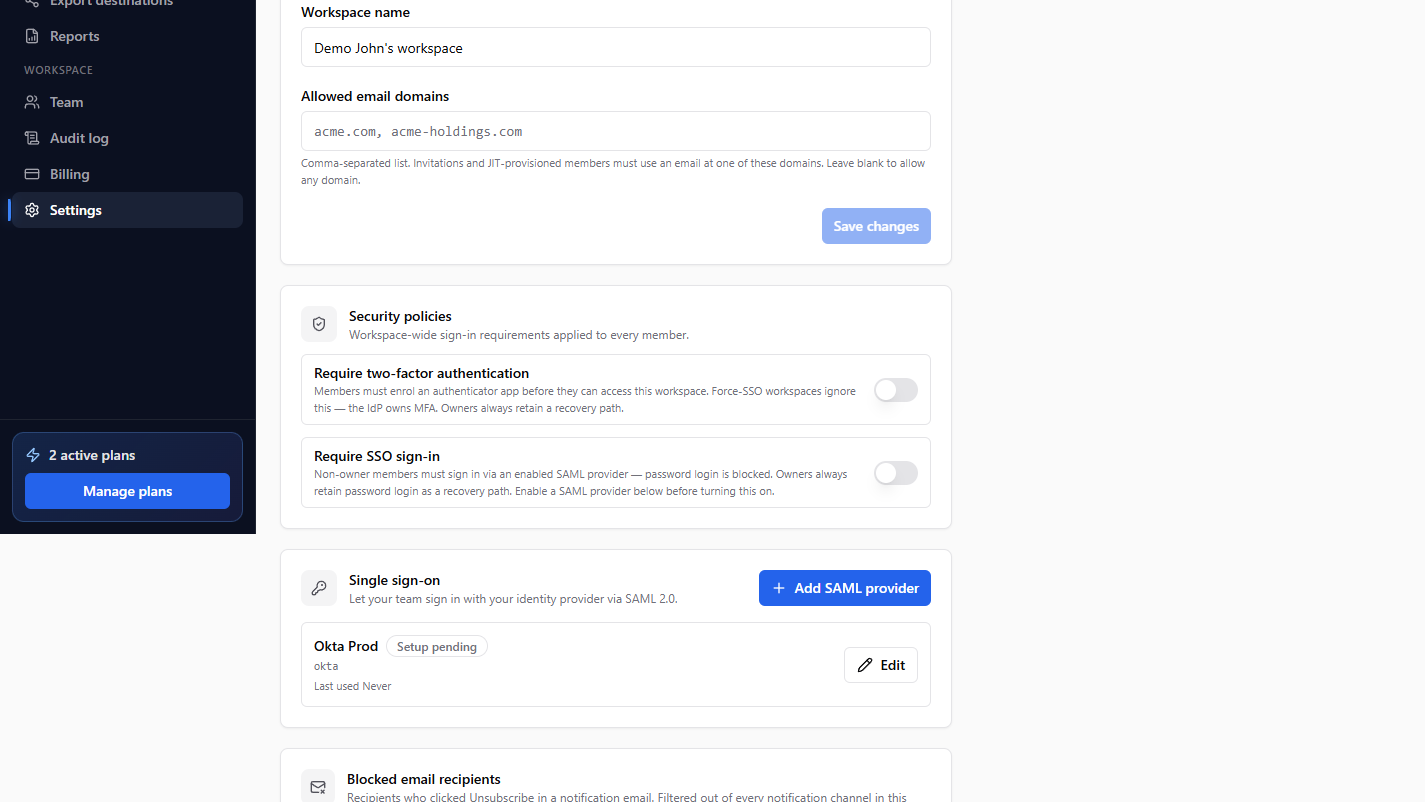
You can require everyone in your workspace to protect their account with two-factor authentication (2FA). When this is on, members must enrol an authenticator app before they can access the workspace.
Turn it on
- Go to Settings > Workspace.
- Under Security policies, switch on Require two-factor authentication.
- Click Save changes.
What members see
Any member who has not set up 2FA is prompted to enrol an authenticator app before they can continue. See Set up two-factor authentication for the member-side steps.
Good to know
- Workspaces that use force SSO skip this setting, because your identity provider handles MFA.
- Only Owners and Admins can change workspace security policies.
Still need help? Email our team at [email protected].