1. Pick a snapshot
From History, from Quick restore points, or straight off the Restore screen.
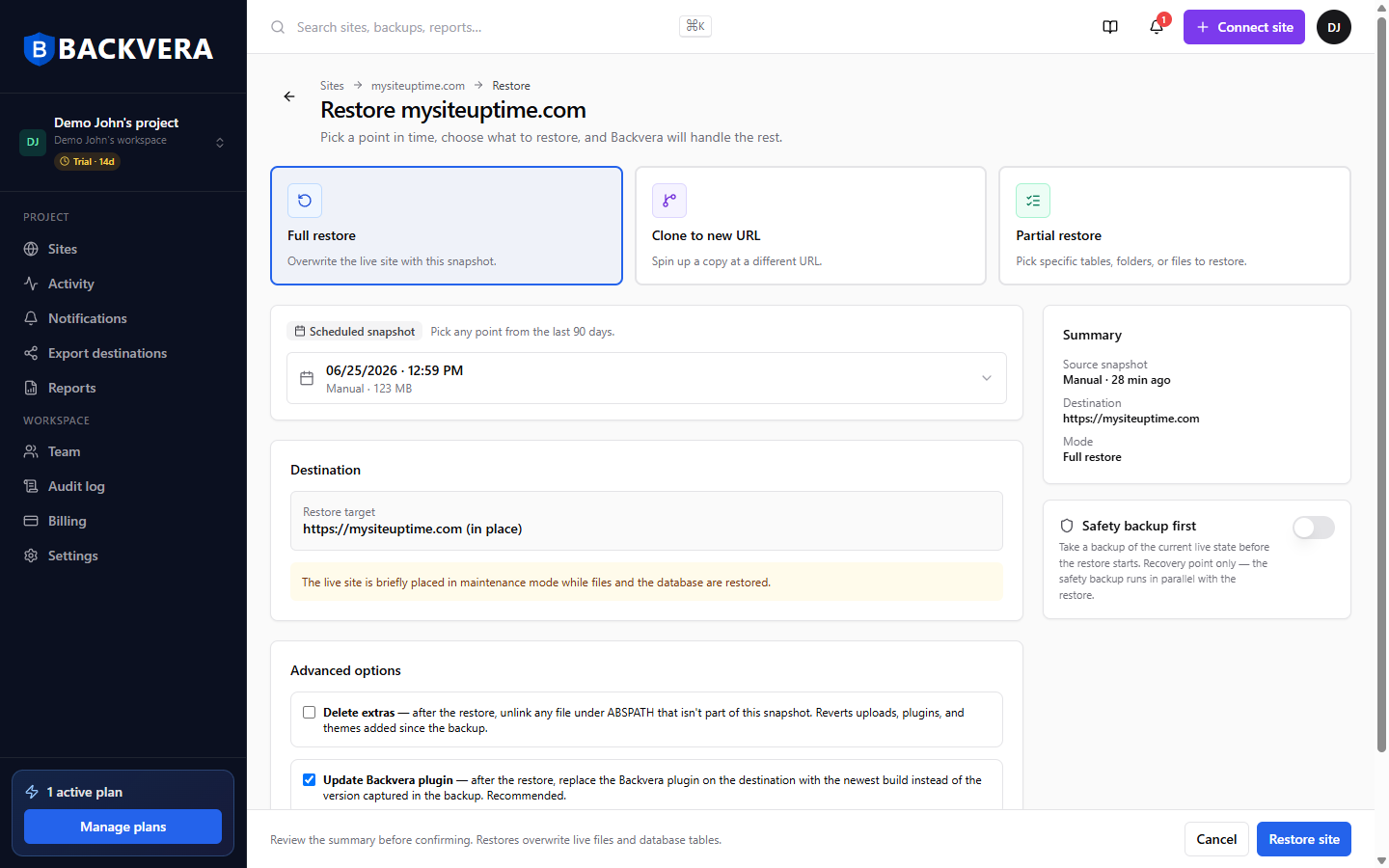
The restore is prepared on an off-host worker, so your site keeps serving visitors while Backvera works — then files and database go into place.
A bad plugin update or a deleted page does not need the whole site rolled back to yesterday, losing everything that happened since.
From History, from Quick restore points, or straight off the Restore screen.
Full restore, clone to a different location, or partial — specific files, folders and tables.
Preview exactly which files and tables would be touched, without writing anything.
Review the summary and run it. Caches are cleared automatically afterwards.
The Free plan gives you weekly backups and 30-day retention at $0 forever. Paid plans start at $15 a year per site and add more frequent backups, longer retention and partial restore. Every paid plan starts with a 14-day free trial and no card.
Start your 14-day trialNo. The restore is prepared on an off-host worker, so your site keeps serving visitors while Backvera works, and then files and database are put into place.
Not retroactively — a restore needs a snapshot that already exists. What you can do today is start the free plan, so the next time this happens you have one waiting. It costs nothing.
Yes. Tick the files and folders you want, and the database tables you want. Everything you select is restored together in a single job.
Yes. A dry run previews exactly which files and tables a restore would touch, without writing anything.
An advanced option that removes files which are not in your snapshot, reverting plugins and themes added since the backup. It is destructive, so run a dry run before using it.
Your snapshots do not go down with it. Every copy lives off-site, so you can restore to another location.
Start free at $0 forever, or try a paid plan for 14 days with no card.
Start your 14-day trialWordPress is a trademark of the WordPress Foundation. Backvera is an independent product and is not affiliated with, endorsed by, or sponsored by the WordPress Foundation.