1. Open the Staging tab
Every registered site has one, and your snapshots are already there.
Provision a staging environment from your latest snapshot, choose the PHP version it runs, and find out what breaks there instead of on the site your client is looking at.
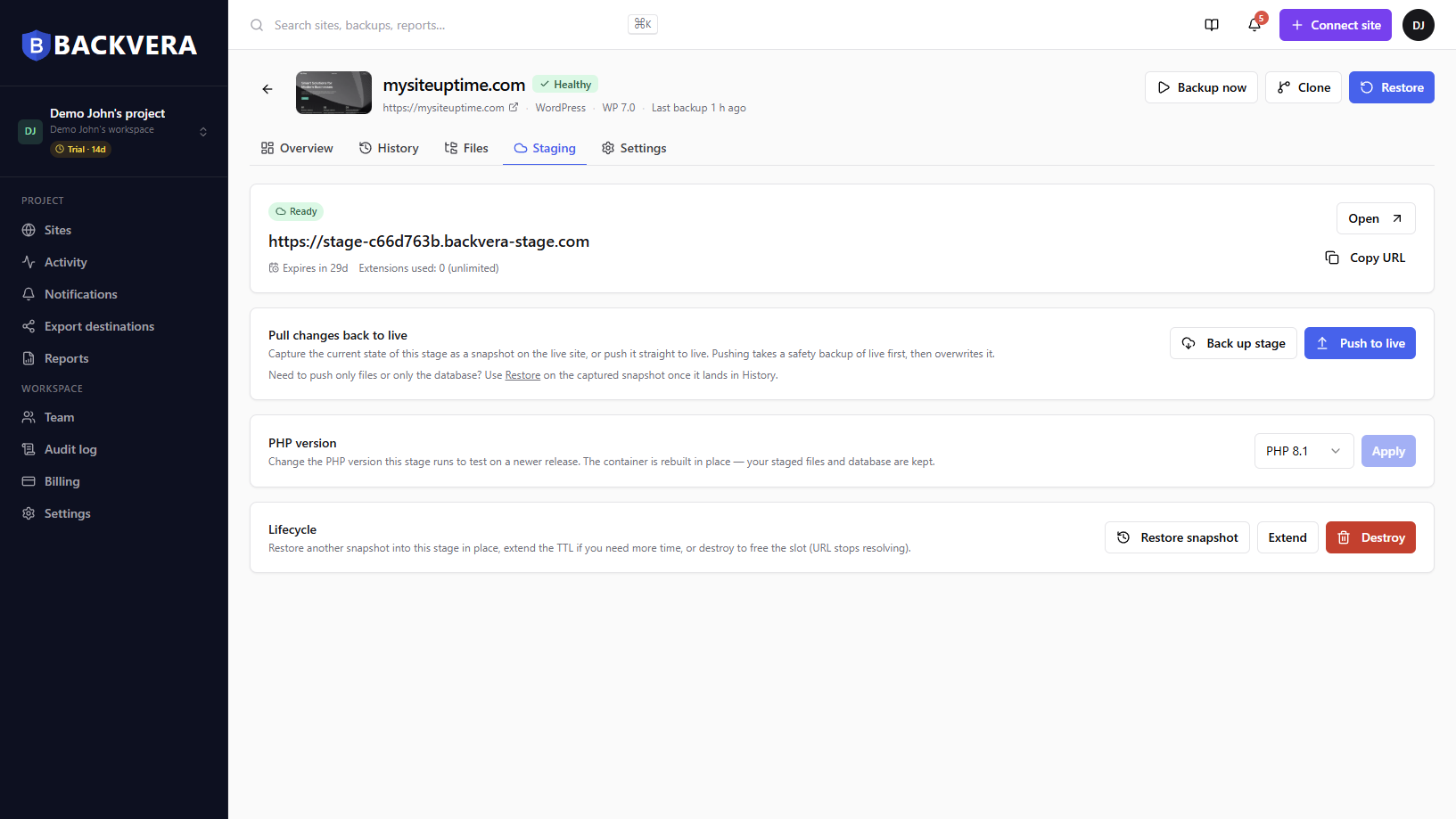
Staging exists so you find out on a copy. Backvera builds that copy from a snapshot you already have, so nothing extra has to run on the live site.
Every registered site has one, and your snapshots are already there.
Optionally choose the PHP version you want the copy to run on.
A copy is built with your most recent snapshot loaded automatically.
Try the update on the stage. When you are satisfied, push the change to live.
Business is $36 a year per site, with stages that last 7 days and can be extended once. Scale is $60 a year, with 30-day stages that can be extended without limit. Both start with a 14-day free trial and no card.
Start your 14-day trialNo. Backvera provisions the environment itself, so it works on any WordPress host — including hosts that offer no staging at all, or only on higher plans.
Business stages last 7 days and can be extended once. Scale stages last 30 days and can be extended without limit. When a stage expires it is automatically destroyed — the environment and its URL are removed, and the URL is never reused.
The URL is unlisted, but it is not password-protected and search engines are not blocked, so treat a stage as semi-private. Put nothing on it you would not want found.
Yes, when you create the environment. It is the safest way to find out whether a PHP upgrade breaks a plugin before your host moves you.
Restoring a new snapshot replaces the stage: the running environment and any changes you made on it are destroyed and rebuilt from the snapshot you pick.
Business is $36 a year per site and includes staging. Try it free for 14 days, no card required.
Build a copy from a snapshot you already have. 14 days free, no card required.
Start your 14-day trialWordPress is a trademark of the WordPress Foundation. Backvera is an independent product and is not affiliated with, endorsed by, or sponsored by the WordPress Foundation.